6 min read
The EAA one year on, and the numbers are not encouraging. Research by WebYes retested 100 major EU websites against WCAG 2.1 Level AA, using the same method and the same sites they had checked right before the European Accessibility Act came into force in June 2025. The findings are a useful reality check on what legislation actually changes, and what it leaves untouched.
EAA One Year On: What the Retesting Found
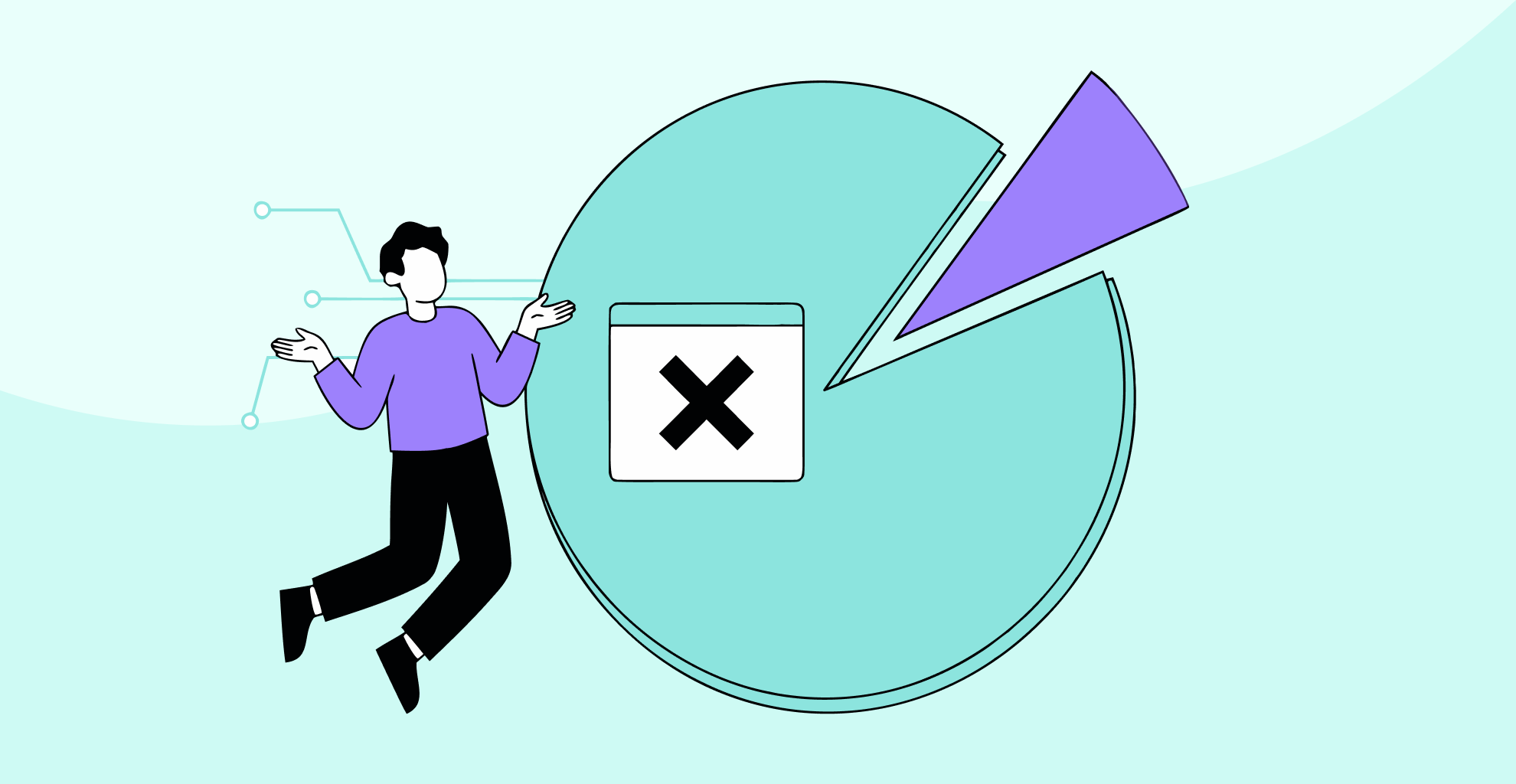
Of the 100 sites tested, 7% passed. That means 93% still failed a basic automated accessibility check twelve months after the law took effect.
Of the 88 sites they were able to compare year on year, 46 had addressed at least one issue since 2025. So something is moving. Colour contrast failures fell from 74% to 67%, and vague or missing link text fell from 61% to 51%.
But two metrics got worse.
Missing alt text on images rose by 20 percentage points. Missing page language declarations rose by 24 percentage points. Both worsened in the twelve months following legislation specifically designed to improve digital accessibility standards across the EU.
Why These Failures Matter
Alt text and language declarations are not obscure edge cases within WCAG. They are covered in the first hour of any web accessibility course. Every automated checker flags them. They have been in the guidelines for over a decade.
The fact that both got worse tells you something specific. This is not a knowledge gap about what the rules require. It is a process gap about who is responsible for making sure things get done correctly, and when.
Uploading an image without alt text is rarely a developer decision. It is a content decision made by someone updating a product page, uploading a news photo, or adding a blog image. If that person has never been told alt text matters, or what a good description looks like versus a filename or a blank field, no law changes that. The law does not sit with your team when they click upload.
A language declaration is a single attribute in HTML that tells a screen reader which pronunciation rules to apply. Missing it is a knowledge gap. If a developer does not know it matters, or if a page template was copied without being checked, the problem will keep appearing on every new page that goes live.
The Compliance Push Problem
Most organisations approach accessibility the same way. A compliance push before a deadline: scan for problems, make fixes that will pass, launch. The pressure eases, and attention goes with it.
New pages continue to go live without correct heading structures. A social media image gets embedded without alt text. A developer builds a new form field without an associated label. Nobody notices, because nobody is looking, and accessibility was never built into how they were taught to work in the first place.
That is exactly what the data shows. Sites that improved in 2025 went through a compliance push. Some held their ground. Most did not, because a compliance push addresses existing problems without changing the conditions that created them. It is a patch, not a fix.
It is also worth remembering what automated testing can and cannot see. WebYes used automated methods, and when the Government Digital Service ran 13 automated tools against 142 known barriers, the best-performing tool found 40% and the worst found 13%. The 93% failure rate in this study is the floor, not the ceiling. The real number is higher.
Building Accessibility Knowledge Into Your Team
This is not about turning every member of your team into a WCAG specialist. Most people do not need to know specific success criteria. What they need is simpler: awareness that the decisions they make every day affect whether disabled people can use what they build.
For content writers
This means understanding that every image needs a meaningful description, and knowing what good alt text looks like versus a filename or a repeated caption.
For designers
This means building with colour contrast in mind from the start rather than leaving it for the QA phase, understanding why you cannot rely solely on colour to convey an error, and treating keyboard focus states as a design requirement, not an optional styling detail.
For developers
This means understanding how screen readers handle heading hierarchy and including lang attributes as standard practice on every template, not just when someone flags the issue.
None of that requires certification. It requires a few hours of focused learning embedded into how your team actually works, rather than bolted on as a pre-launch checklist that gets forgotten the moment the site goes live.
EU Enforcement Is No Longer Theoretical
The Dutch Authority for Consumers and Markets audited around 100 e-commerce and telecoms platforms and found 61% of the country’s largest webshops still inaccessible. That was not surprising given the broader data, but it is a signal that regulators are no longer waiting.
Germany has seen similar pressure, with reports of law firms using competition law as the vehicle for enforcement, applying pressure to e-commerce operators whose websites fall below basic accessibility standards. The EAA is not always the direct mechanism, but the direction of travel is consistent.
Enforcement is not yet aggressive or uniform across the EU, but it is growing. The organisations that get caught out will not only be those that never tried. They will also be the ones that tried once, before a deadline, and then stopped.
What This Means for Your Website
None of this means the EAA has failed. Laws create obligations and enforcement machinery, but they cannot make accessibility part of how your team develops and maintains a website. That is down to process, and process is down to people.
An accessibility audit tells you where you stand at the moment it is conducted. If your team keeps adding pages and content without any built-in accessibility knowledge, the next snapshot will look worse than the previous one. That is not a legal problem to solve. It is an operational one.
How long ago was your last check? And if you had one, what actually changed inside your team as a result?
What to Do Next
If you are not sure whether your website would pass the checks applied to those 100 EU sites, an accessibility audit is the clearest way to find out. You get a detailed picture of where you stand, what needs fixing, and what the risk looks like. Specific findings mapped to WCAG criteria, not a vague score.
If the pattern described here sounds familiar, improvement for compliance and then slippage since, the longer-term answer is building accessibility knowledge into your team. We offer practical training for designers, developers, and content teams who want to stop making the same mistakes on every new page they publish.
Get in touch to talk through which option makes more sense for where you are right now.