
What is an Accessibility Audit?
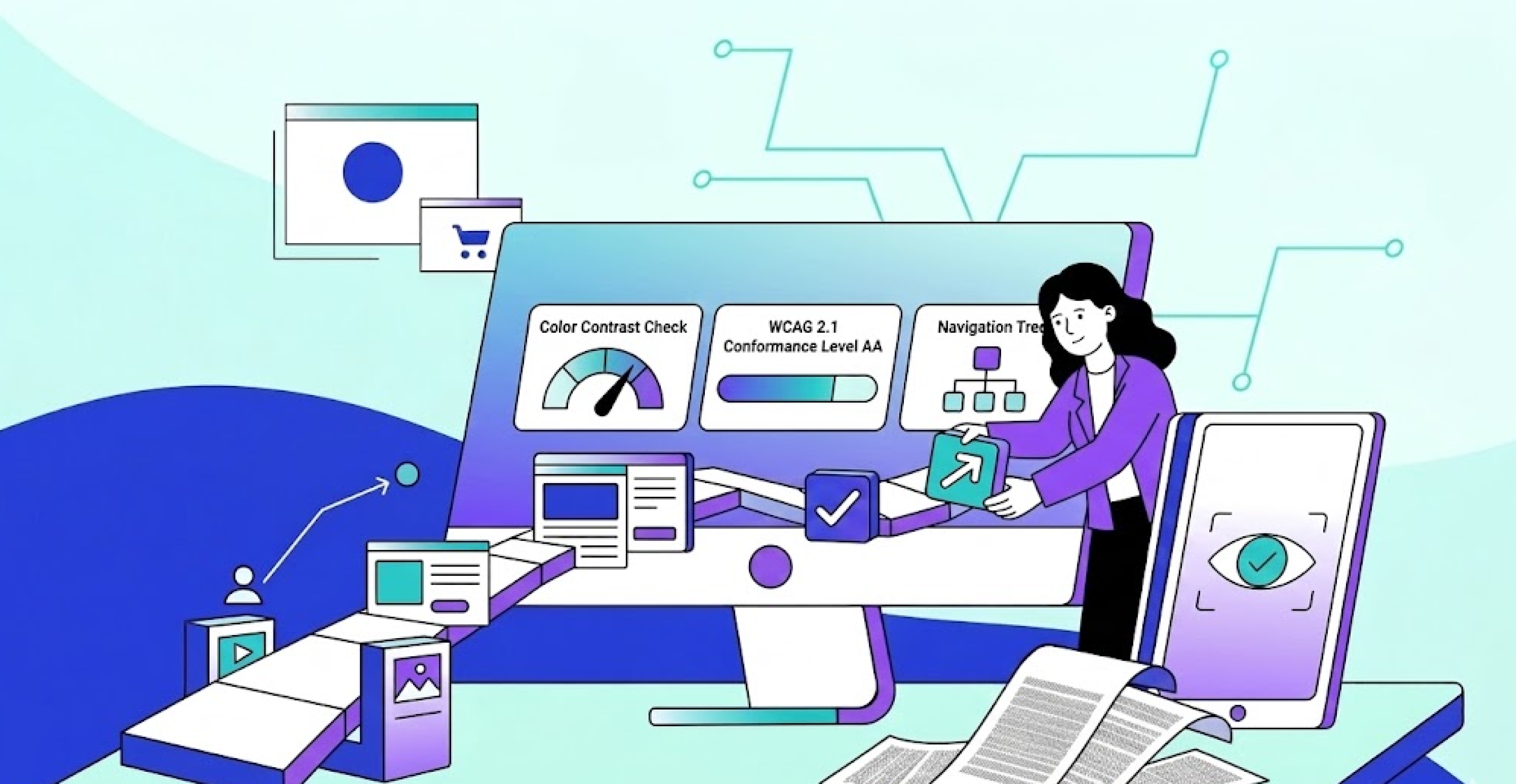
Accessibility Audits can help you identify barriers to access, such as colour blindness, screen reader functionality, keyboard navigation, captioning, and other impairments affecting how people access digital content.
Audits are designed to give you a clear picture of your website's strengths and weaknesses, based on how well your site meets WCAG (Web Content Accessibility Guidelines), which is the internationally recognised standard for web accessibility.
WCAG identifies areas of accessibility that your website needs to cover. Auditors use these guidelines to evaluate your website's performance in those areas. The goal is not a report full of jargon. It is a clear view of what is failing, how serious each issue is, and what to do next.
What Does an Accessibility Audit Actually Check?
The different checks are normally categorised as P.O.U.R. (Perceivable, operable, understandable and robust). Without getting too technical, a thorough audit covers the full range of ways people interact with digital content, which includes but isn't limited to things like:
Colour Contrast
Is there a sufficient colour contrast across your website, headers, navigation, buttons, it all counts. Do clickable areas and text links rely solely on colours to display information? Colour is a primary method of communication, so you need to ensure your site communicates effectively to visually impaired visitors. Check your colour contrast here.
Keyboard Navigation
Are all functions available to visitors using keyboards rather than a mouse? Are all keyboard actions reflected in a visible focus indicator, so visitors can track their progress through the site? Are there any keyboard traps, elements that capture focus and cannot be escaped?
Screen Reader Compatibility
Are images provided with alt text that describes what the image represents? Are forms filled out with the correct labels? Does the heading structure follow a logical flow when read sequentially with a screen reader? Are interactive elements recognised by assistive technology, so visitors understand what the component is and how to interact with it?
Content and Structure
Is the wording on your website easy to understand? Are error messages helpful? Are instructions written in plain English, without relying on visual cues like "click the green button"? Are your forms accessible to users with motor or cognitive impairments? Are labels visible and persistent, not just placeholder text that disappears when clicked?
Manual Testing vs Automated Scanning: What's the Difference?
Manual testing and automated scanning are two different methods, and they are not equivalent.
Automated scanning tools, such as WAVE, Axe, Google Insights, and our very own scanner here at Accessima, scan websites and identify issues that can be detected programmatically. They are relatively inexpensive, quick, and good at identifying obvious issues like missing alt text and poor colour contrast. But they only identify around 30–40% of accessibility issues. The rest require a human to test.
Manual testing involves a trained tester using assistive technologies such as screen readers and magnification software to go through the website and test each WCAG success criterion. Most importantly, manual testing finds the issues automated scanners miss, like poor focus order, unclear error messages, illogical heading structures, or forms that are technically labelled but still difficult to complete.
A legitimate accessibility audit should always involve both. Automated tools first, to create a baseline. Manual testing to find everything else.
What Does an Accessibility Audit Report Contain?
A professional audit report should give you everything you need to act. At a minimum, it should include:
- A list of all accessibility issues identified, linked to the relevant WCAG success criterion
- A severity rating for each issue (Critical, Serious, Moderate, Minor)
- Screenshots or recordings showing exactly where and how each issue occurs
- Code examples or written guidance explaining how to resolve each issue
- A summary of conformance level (typically WCAG 2.1 or 2.2 at Level AA)
The report must be written in a way your development team can quickly understand, not just for accessibility specialists. If you cannot hand it to a developer and have them act on it immediately, it is not a good report.
Who Needs an Accessibility Audit?
All organisations with a public-facing digital presence (like a website) should consider an accessibility audit.
Public sector organisations are required under PSBAR 2018 in the UK, and equivalent regulations across the EU, to meet WCAG 2.1 AA and publish an accessibility statement. An audit is the mechanism for demonstrating that compliance.
Businesses in the UK, EU, or US — the Equality Act 2010, Americans with Disabilities Act, and European Accessibility Act (EU, 2025) all place obligations on businesses to make their digital services accessible. WCAG alignment is how you demonstrate you have met those obligations.
E-commerce businesses — disabled consumers in the UK represent over £274 billion in annual spending power. If your checkout process, product pages, or account management are inaccessible, you are losing a substantial amount of potential business.
If you’re a little confused about where your business lies, take our short quiz and we’ll outline what jurisdiction your business belongs to and what level of WCAG you should adhere to.
When Should You Run Another Audit?
Once you have completed an initial audit or made significant design changes to your site, you should run another one. Each time you add new features or make modifications, you may introduce new accessibility issues.
Organisations subject to ongoing compliance obligations should plan to audit on a yearly basis. Treating accessibility as a process rather than a one-time project is what leads to meaningful, lasting improvement.
What Happens After an Audit?
The audit is the beginning, not the end. After you receive your report, the first step is prioritisation. Not every issue carries equal weight. A missing form label on a checkout page is far more important than a minor contrast issue in a footer.
A good audit will have already assigned a severity rating to each issue, allowing you to work through fixes in order — starting with critical issues that block users from completing key tasks. The process gives you something more valuable than a report: a clear, ordered plan for making your site genuinely more usable.
How Much Does an Accessibility Audit Cost?
Costs vary depending on the size of the site, the scope of testing, and the provider. Automated-only audits are inexpensive but will only catch 30–40% of issues. A complete audit that includes manual testing costs more, but gives you the full picture.
Accessima offers fixed-price manual audits based on number of pages, with clear deliverables and no hourly billing. The cost of performing an audit is a small fraction of the potential legal liability, lost customers, and remediation work that can arise from non-compliance, especially if you wait until you are forced to act. See our pricing here
Ready to Find Out Where Your Site Stands?
An accessibility audit gives you the facts. No guesswork, no assumptions. Just a clear view of what is working, what is not, and what to do next. Get in touch to discuss your audit.