

LogicA11y
Accessima's blog and research space.
Expert insights on web accessibility, WCAG compliance, and inclusive design, written for businesses at every stage of their accessibility journey.
-

WCAG 2.1 Is Today’s Baseline. WCAG 2.2 Adds Nine Things.
7 min read
Read Article →: WCAG 2.1 Is Today’s Baseline. WCAG 2.2 Adds Nine Things.WCAG 2.1 was published on 5 June 2018, and Level AA is the baseline for nearly every single compliance requirement worldwide. It has 78 success criter
-

One Year Into the EAA, 93% of Websites Still Fail a Basic Accessibility Check
7 min read
Read Article →: One Year Into the EAA, 93% of Websites Still Fail a Basic Accessibility CheckThe EAA one year on, and the numbers are not encouraging. Research by WebYes retested 100 major EU websites against WCAG 2.1 Level AA, using the same
-

European Accessibility Act Enforcement: What Every Business Selling Into the EU Needs to Know
7 min read
Read Article →: European Accessibility Act Enforcement: What Every Business Selling Into the EU Needs to KnowThe European Accessibility Act became enforceable on 28 June 2025. In the months since, enforcement has moved from guidance documents and press releas…
-

The ADA Title II Web Accessibility Deadline Moved. Here’s What Actually Changed.
7 min read
Read Article →: The ADA Title II Web Accessibility Deadline Moved. Here’s What Actually Changed.In April 2026, the US Department of Justice pushed back one of the most significant digital accessibility deadlines in years. If you work for a govern…
-
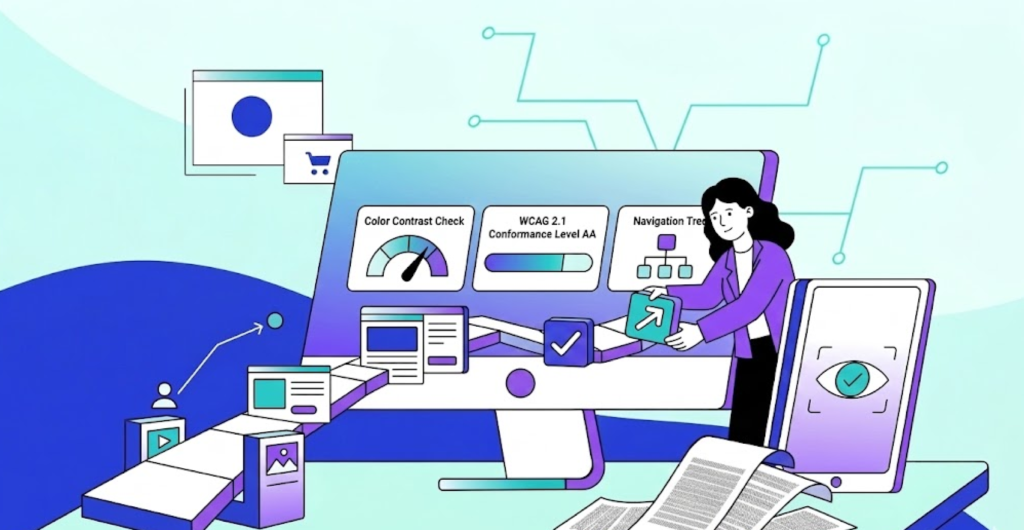
What is an Accessibility Audit?
7 min read
Read Article →: What is an Accessibility Audit?Accessibility Audits can help you identify barriers to access, such as colour blindness, screen reader functionality, keyboard navigation, captioning,…
-
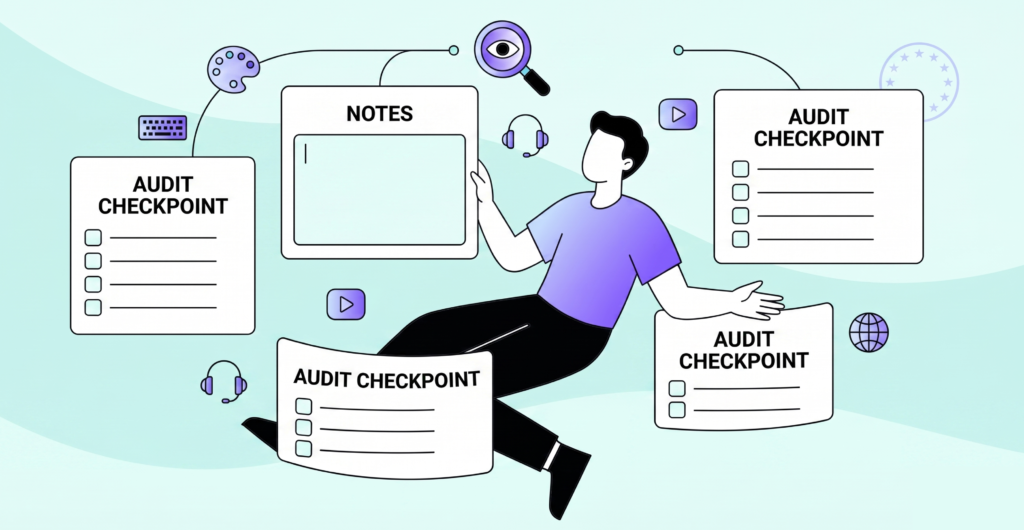
Accessibility Audit Checklist: What to Look For
7 min read
Read Article →: Accessibility Audit Checklist: What to Look ForIf you want to understand if your website is accessible, you need to know what you are actually checking. Accessibility encompasses a broad range of u…
-
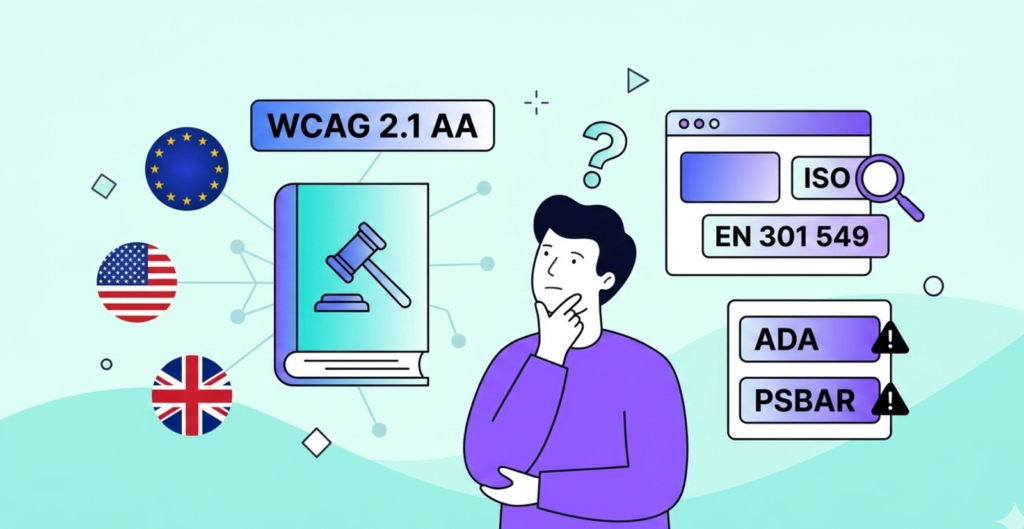
Is WCAG Required by Law?
7 min read
Read Article →: Is WCAG Required by Law?No. Not in the United Kingdom. Not in the USA. Not technically. WCAG is a guideline produced by the W3C (the international body responsible for global…
-
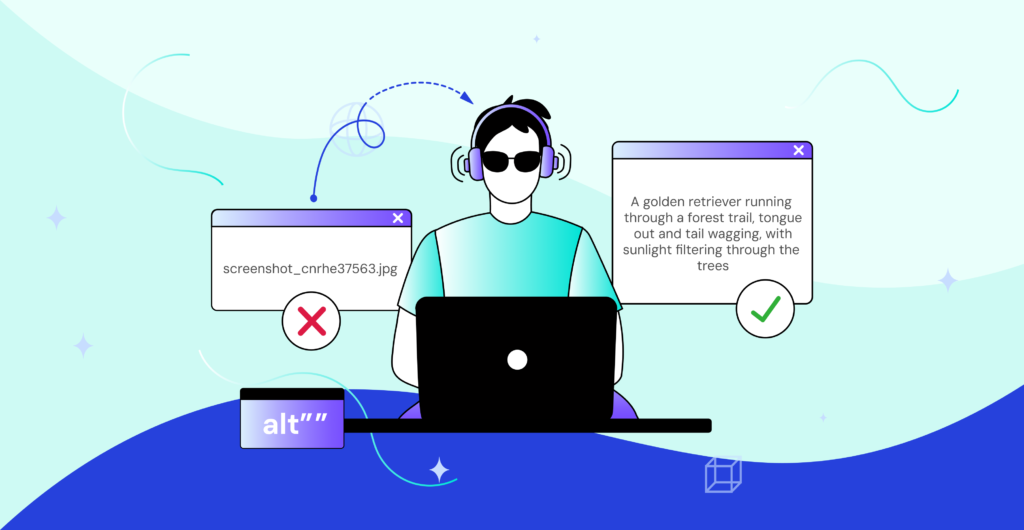
How to Write Alt Text. Properly.
7 min read
Read Article →: How to Write Alt Text. Properly.If you've ever uploaded an image and skipped the alt text box because you thought it didn't matter, or didn't know what to write, this is for you. We'…
-

Beyond Compliance, The Hidden Benefits of Web Accessibility
7 min read
Read Article →: Beyond Compliance, The Hidden Benefits of Web AccessibilityWhenever I am asked to speak about accessibility, I usually begin by talking about the real benefits that come from making things easier for everyone …
-
Lost in Menu, Send Fries: One Man’s Mission to Order Food on an Inaccessible App
7 min read
Read Article →: Lost in Menu, Send Fries: One Man’s Mission to Order Food on an Inaccessible AppOrdering food online should be simple. A few taps, a quick confirmation, and dinner is on the way. For sighted users, that’s often true. For screen-re…
-

Clicking in the Dark. Why Your Website Feels Like a Haunted House to Users Who Are Blind
7 min read
Read Article →: Clicking in the Dark. Why Your Website Feels Like a Haunted House to Users Who Are BlindHave you ever tried walking into a room where someone's moved the furniture without telling you? You think you know the path, but suddenly your shin f…
-

Key changes you need to know: EU Accessibility Act, June 28 2025
7 min read
Read Article →: Key changes you need to know: EU Accessibility Act, June 28 2025On 28th June 2025, the European Accessibility Act comes into effect across all EU countries. This law sets out specific accessibility standards for an…
-

How Digital Accessibility Benefits Your Organisation: Global Insights with EU & US Highlights
7 min read
Read Article →: How Digital Accessibility Benefits Your Organisation: Global Insights with EU & US HighlightsAccessibility is often treated as just a legal requirement. A compliance box to tick and move on from. But that framing misses most of the picture, an…
-

Manual vs AI Accessibility Testing: Why Plugins Alone Won’t Guarantee an Inclusive Website
7 min read
Read Article →: Manual vs AI Accessibility Testing: Why Plugins Alone Won’t Guarantee an Inclusive WebsiteAutomated accessibility tools have made it easier to quickly find obvious problems. Missing alt text, low contrast, unlabelled form fields, a decent s…
-

What Is Digital Accessibility? A Global Overview
7 min read
Read Article →: What Is Digital Accessibility? A Global OverviewAccessibility is typically viewed as a compliance checklist/task. Follow the rules, check off the appropriate boxes and then move on. However, this vi…
Want to talk accessibility?
Book a free consultation to discuss your website's accessibility and what a proper audit would involve.
Book a Free Consultation →