
Accessibility Audit Checklist: What to Look For
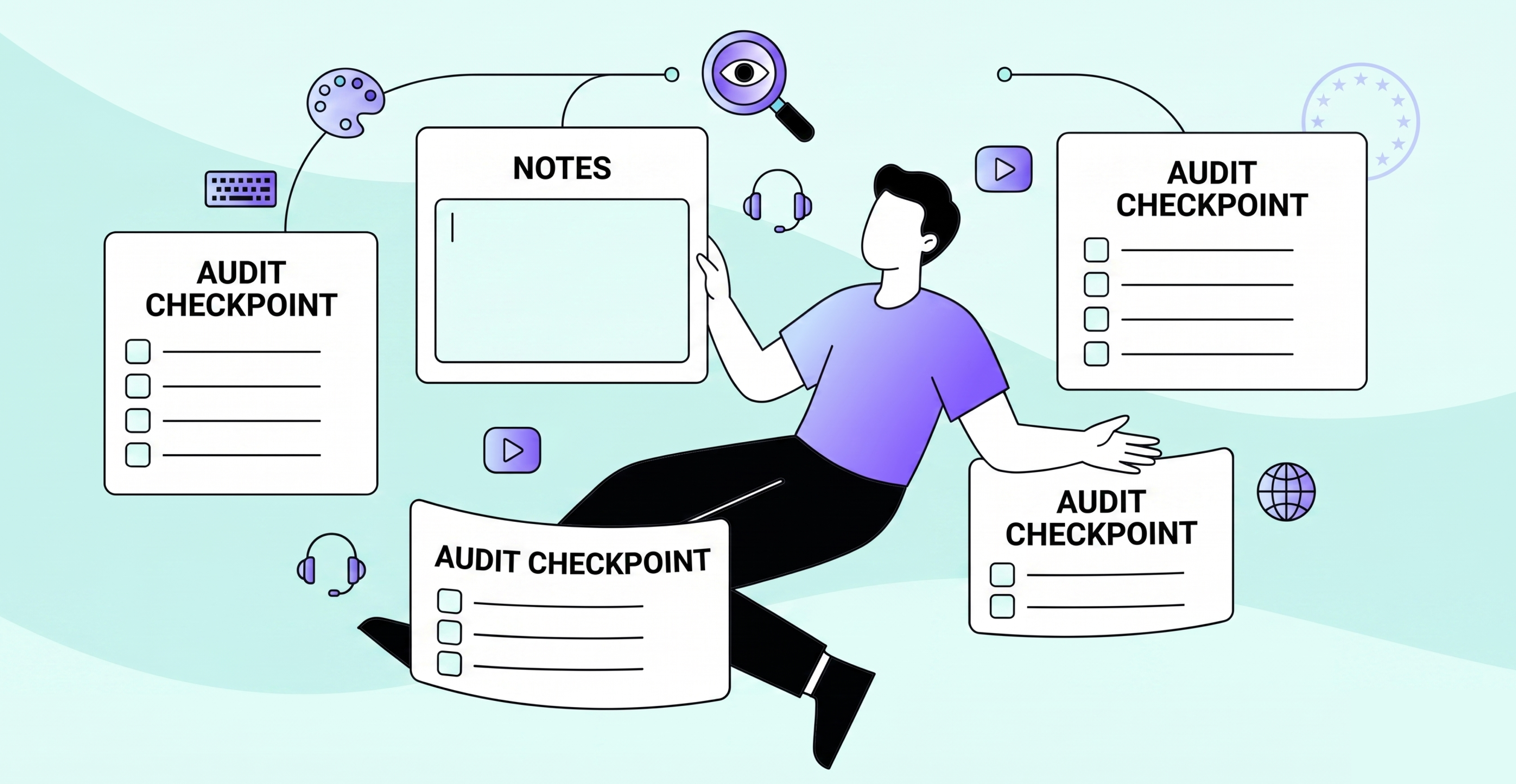
If you want to understand if your website is accessible, you need to know what you are actually checking. Accessibility encompasses a broad range of user needs, including visual, motor, cognitive, and auditory, and a comprehensive review examines all of these.
This checklist outlines the major areas of a professional accessibility audit, correlated to the WCAG 2.2 success criteria that auditors apply to each area. It is not intended to replace a manual audit; instead, it is designed to provide insight into what an auditor reviews.
Visual Design and Colour
Colour contrast is one of the most frequently failed WCAG criteria. Any two colours used for either text and background or UI component and graphical elements must meet a minimum contrast ratio: 4.5:1 for standard text and 3:1 for large text (WCAG 1.4.3); and 3:1 for UI components and graphical elements against any adjacent colour (WCAG 1.4.11).
In addition to assessing contrast, your audit should examine the following:
- Does the site depend solely upon colour to communicate information (e.g., a red field to show an error)?
- Can the site's content be viewed at 200% text size without losing site functionality?
- Does the page reformat properly at 400% zoom without the user having to scroll horizontally?
- Are there any flashing elements on the page that may cause seizures?
Check your colour contrast here
Keyboard Navigation
All functions on your site must be accessible and operable via the keyboard alone. This is non-negotiable for individuals with motor disabilities, since many cannot use a mouse. Key areas to audit include:
- Can all interactive elements be accessed using the Tab key?
- Is a visible focus indicator displayed for each interactive element?
- Are there any keyboard traps that prevent the user from moving focus away?
- Can users bypass repeated navigation blocks to access the primary content?
Screen Reader Compatibility
Screen readers transform page content into audio or Braille output. If your site is not structured correctly, screen reader users receive a confusing or incomplete experience. Audits should assess:
- Do all images contain meaningful alternative text, or when decorative, the correct empty alt attribute?
- Is there a logical heading hierarchy (H1–H6) that makes sense when content is read sequentially?
- Are form input fields labelled properly and consistently, not just with placeholder text?
- Are interactive elements (buttons, links, etc.) correctly identified in the accessibility tree with their role and name?
- Will status messages (such as form submission confirmations) be communicated to screen readers without the user needing to move focus?
Images, Video, and Media
Users who cannot view or hear content must still be able to access the same information. Audit assessments should include:
- Are captions available for videos?
- Are audio descriptions provided for pre-recorded video where visual information is not covered in the audio?
- Are audio files accompanied by transcripts where no visual information exists?
- On pages with background audio, can users turn it off or adjust the volume?
Forms and Error Handling
Forms are one of the most common areas where accessibility fails. A form that appears visually fine can completely fail for users relying on assistive technology.
- Are all form fields labelled, and do those labels remain visible when the field receives focus?
- Are error messages clearly indicative of the problem, with sufficient guidance on how to correct it?
- Are the form requirements clearly identified before submission, not only after?
- Where forms have time limits, can users extend the timer?
Content and Language
Accessibility is not limited to technical structure, content must also be clear and usable.
- Is the language of each page declared correctly in the HTML, so screen readers use the correct pronunciation?
- Are unusual words, abbreviations, or jargon defined?
- Do page titles accurately describe each page?
- Are link texts descriptive and meaningful out of context, not just "click here"?
After the Checklist
The checklist is a starting point, not a finish line. The most serious accessibility failures are confusing focus order, unclear error flows, and forms that are technically labelled but practically inoperable only surface during manual testing with assistive technology.
A professional accessibility audit takes everything above and tests it live, documenting each failure with evidence, a severity rating, and guidance on how to fix it. The final product gives your development team something they can act on immediately.
If you want to know where your site actually stands, get in touch, and we will walk you through the process.
Related: What is an Accessibility Audit? | Is WCAG Required by Law? | WCAG 2.2 Explained